

Building Trust Across Time Zones
Proven techniques for maintaining team cohesion when your colleagues are scattered across different regions and working hours.
Read ArticleThe essentials you actually need — ergonomic furniture, lighting, and layout considerations that make a real difference in productivity.

Your home office isn't just where you work — it's where you spend a significant portion of your day. Getting it right makes a tangible difference in how focused you are, how your back feels at 5 PM, and whether you actually want to sit down and get things done.
We're not talking about fancy decorations or Instagram-worthy setups. This is about functional basics: a chair that supports your spine properly, a desk at the right height, light that doesn't strain your eyes, and a layout that minimizes distractions. You'll notice improvements within the first week.
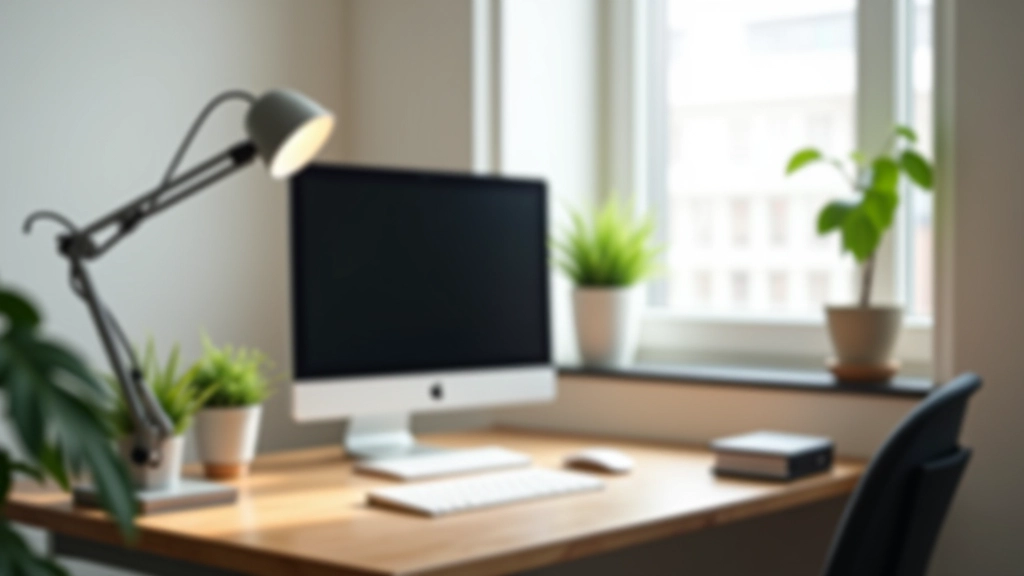
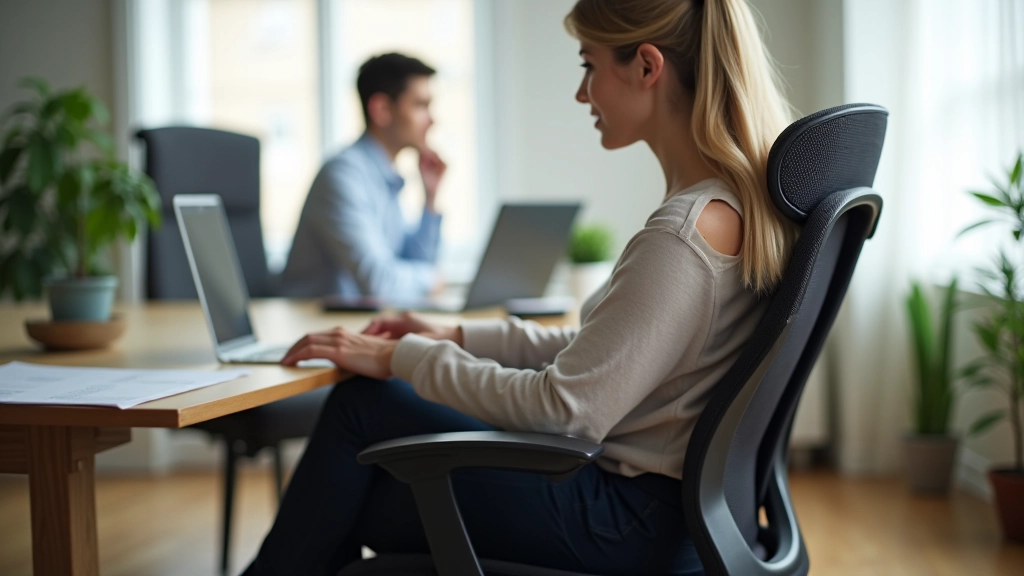
Don't skimp on your chair. You'll spend 7-9 hours a day in it, and a bad one will leave your lower back screaming by Thursday. Look for a chair with adjustable lumbar support — that's the inward curve that supports your lower spine.
Key features to check: seat height adjustment (your feet should rest flat on the floor with knees at 90 degrees), armrests that let your shoulders relax, and a seat that's firm but not rock-hard. Mesh backs are great if your office gets warm. You don't need the most expensive option, but you do need one that actually fits your body.
Test it if you can. Sit for 15-20 minutes before buying. Does your back feel supported? Can you adjust it to fit you? That's your sign it's a keeper.
This guide provides general information about home office setup. If you experience persistent pain, ergonomic issues, or health concerns related to your workspace, consult with a healthcare professional or occupational therapist. Everyone's body is different, and what works for one person might need adjustment for another.
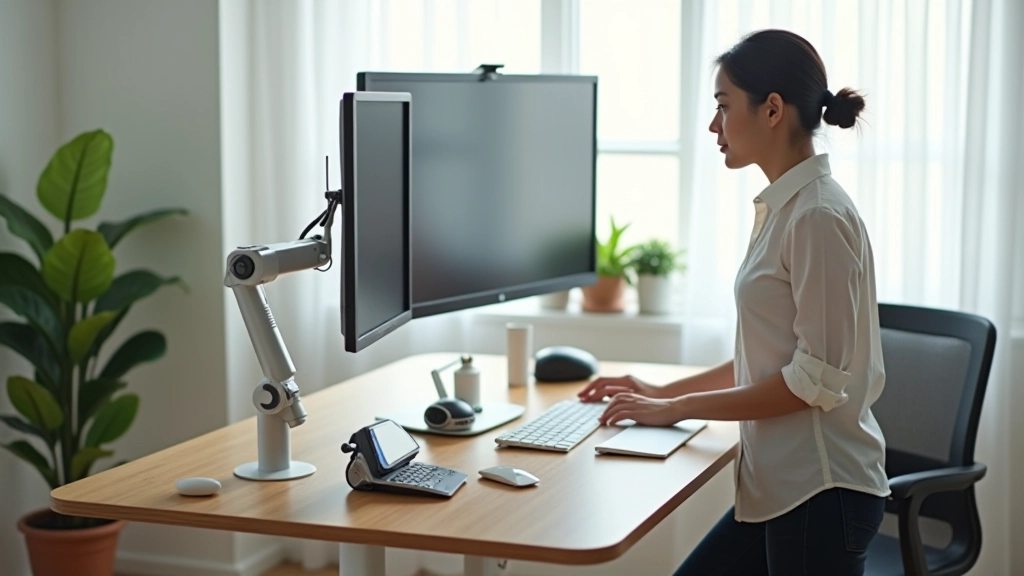
Your desk needs to be the right height. When you sit with your arms relaxed at your sides, your elbows should be at roughly 90 degrees when your hands reach the keyboard. Standard desk height is 28-30 inches — that works for most people, but not everyone.
You'll also want enough surface space. Not a sprawling 6-foot behemoth, but enough room for your monitor, keyboard, mouse, and a few essentials without feeling cramped. Most people do well with 48-60 inches of width. Depth of 24-30 inches gives you space without taking over your room.
Consider a standing desk converter if you want to alternate between sitting and standing. You don't need to stand all day — even 30 minutes of standing work in the afternoon breaks up the sitting pattern and gets your blood flowing again.
Harsh fluorescent overhead lights will drain your energy by 2 PM. Position your desk near a window if you can — natural light is genuinely better for focus and mood. But don't sit directly facing a window, as glare on your screen creates eye strain.
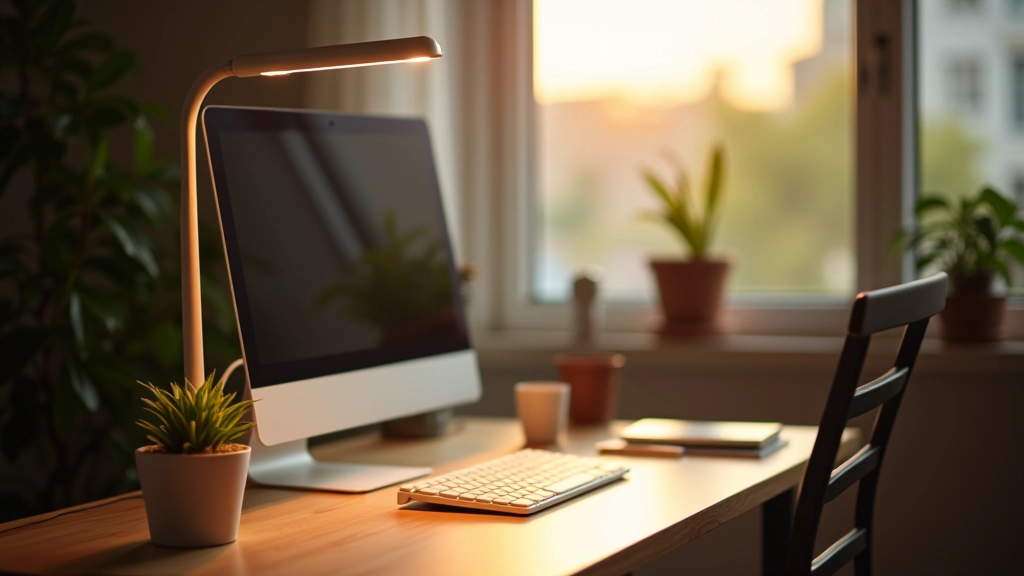
Add a task light to your desk. A simple LED desk lamp with adjustable brightness does the job. Aim for warm white light (2700-3000K) in the afternoon and cooler light (4000-5000K) in the morning if you need alertness. The goal is even lighting across your work surface without shadows on your keyboard or screen.
Test your setup by looking at your screen during different times of day. If you're squinting or adjusting the brightness constantly, your lighting needs tweaking. Good lighting shouldn't demand your attention — it should just make everything clear.
Face toward a wall or quiet area rather than toward your bedroom or living room. You want your peripheral vision to see work-related things, not distractions. If possible, position your desk so you can see the door — it reduces the startle effect when someone walks by.
Even in a small apartment, create a visual boundary. A room divider, a bookshelf, or even a different area of a room helps your brain understand "this is where work happens." Your brain gets better at switching into focus mode when the location is distinct.
A cluttered desk pulls your attention in 10 directions at once. File papers, store supplies in drawers, and keep only your current work on the desktop. You'll be amazed how much easier it is to concentrate when your desk is clean before you start your day.
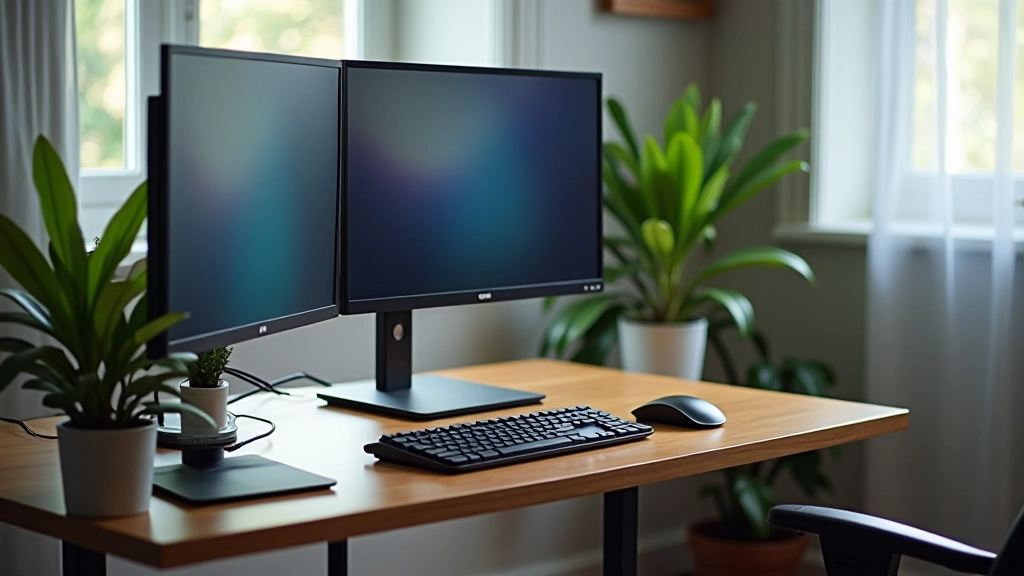
Your monitor should be at eye level, about 20-26 inches from your face. The top of the screen should be slightly below eye level so you're looking down at a small angle. This reduces neck strain significantly.
If you're using a laptop, elevate it on a stand so the screen is at the right height, then use an external keyboard and mouse. Typing on a laptop keyboard while looking down at the screen is a recipe for neck pain.
Invest in a mouse and keyboard that feel natural to your hands. You're using these tools 6-8 hours a day. A wireless mouse and mechanical keyboard aren't necessary, but they should be comfortable. Your wrists shouldn't bend at awkward angles while typing.
You don't need an elaborate filing system. What you need is a way to find things when you need them. That means labeled drawers, a few shelves, and a simple filing system for papers you need to keep.
Editorial Team
Written by the FlexSync Hub editorial team, focused on practical, transparent guidance for hybrid and remote workforce coordination.
You don't need to overhaul everything at once. Start with the most important piece — a good chair. Use it for two weeks, then notice what else bothers you. Maybe it's the lighting. Maybe it's desk height. Address those one at a time.
The best home office is one that actually works for you, not one that looks perfect in photos. You'll spend more time there than anywhere else except your bed, so it's worth getting right. Small adjustments compound into genuinely better days.
Want to explore more about remote work success?
Read: Running Meetings That Actually Work Remotely
Proven techniques for maintaining team cohesion when your colleagues are scattered across different regions and working hours.
Read Article
Agendas, timing structures, and facilitation methods that keep remote meetings focused and productive without wasting everyone's time.
Read Article
Fair assessment methods that don't rely on visibility or face time. Focus on outcomes and clear communication instead.
Read Article